Codepage Witchfor Windows (x86-64)Preview - Utility for working with Codepage and UTF-8 encoded text files.
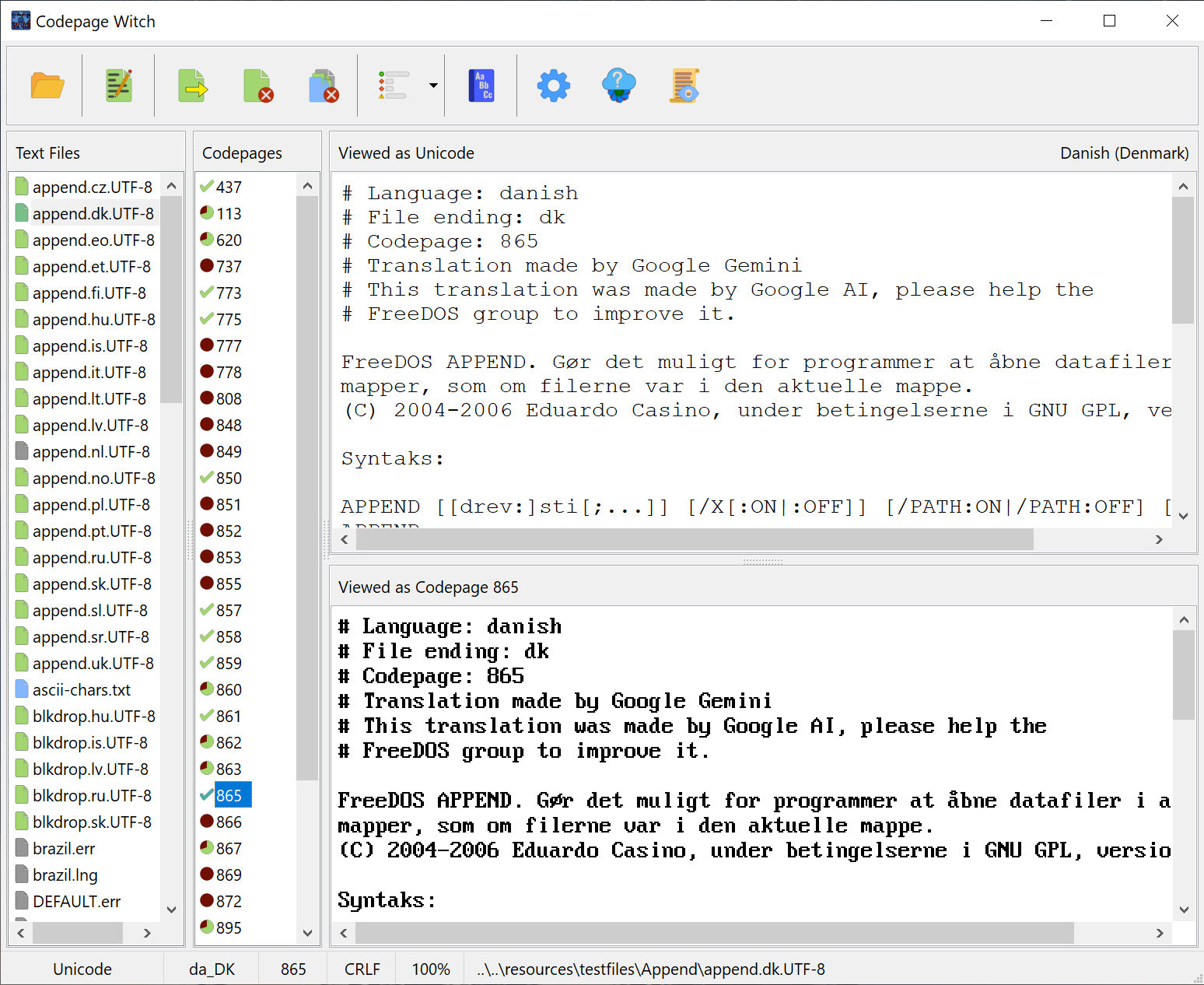
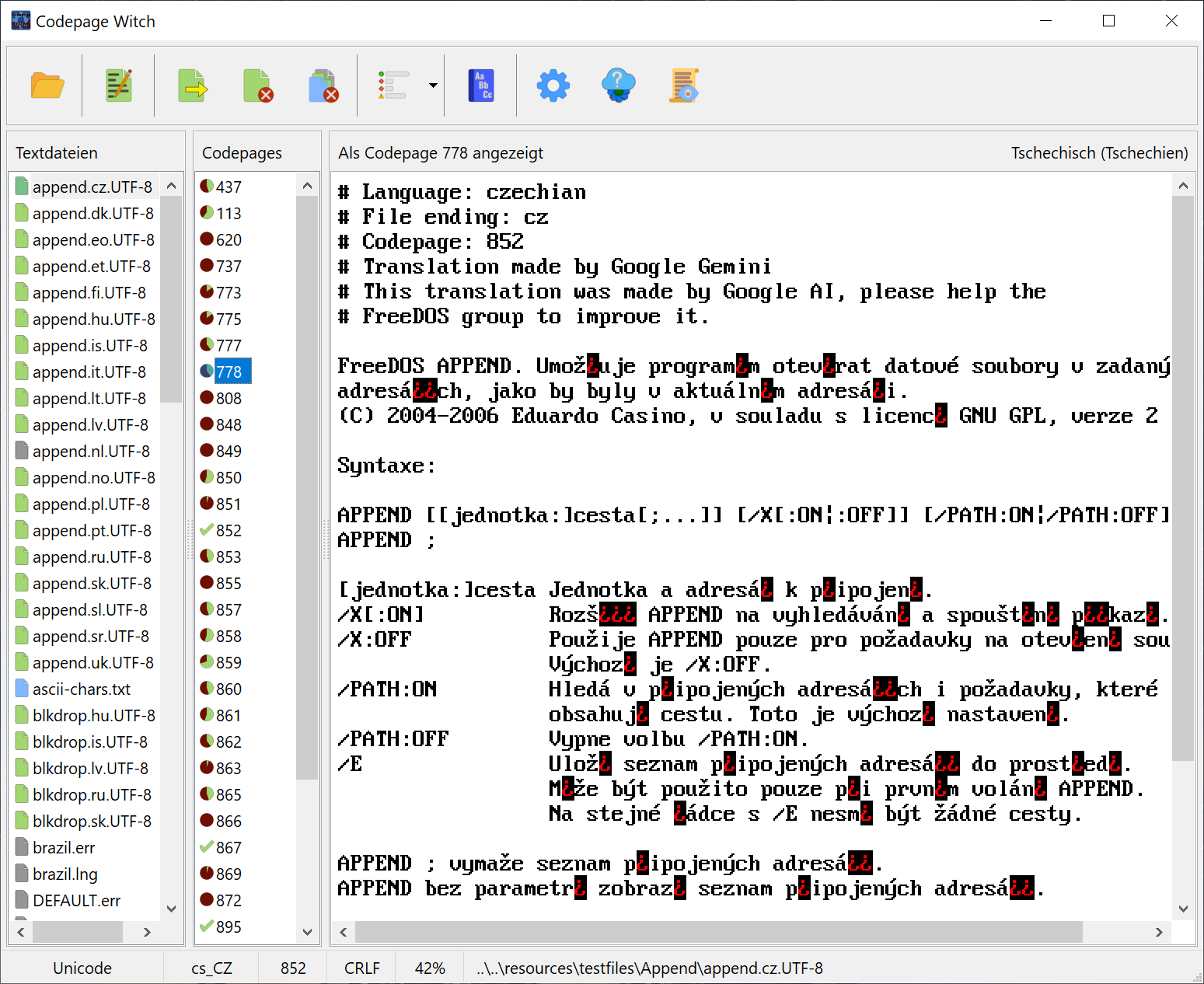
The preview of The Codepage Witch. A utility to help determine the appropriate codepage for a UTF-8 encoded text file. And conversion of text files between those two encoding schemes.

Source files are available at https://github.com/shidel/CPWitch.
Codepage Witch is also provided for Linux (x86-64) and macOS (x86-64).
Version: 0.7.5.119

Preview 0.7.5.119

  • Option to prefer file extension over heuristics for locale detection.
  • Error message, if open file was deleted.
  • Display possible file errors in viewers.

Download: CPWitch_Windows-0.7.5.119.zip (2.6 mb)
Version: 0.7.5.118

Preview 0.7.5.118

  • Unicode viewer now reflects conversion from Codepage.
  • Background loading of files.
  • Prevent Codepage Filter change when Options are modified.

Download: CPWitch_Windows-0.7.5.118.zip (2.6 mb)
Version: 0.7.4.116

Preview 0.7.4.116

  • Lots and Lots of LCL compensation and workarounds.
  • Some performance improvements.
  • Refactor list selections for better cross-platform compatibility.

Download: CPWitch_Windows-0.7.4.116.zip (2.6 mb)
Version: 0.7.2.111

Preview 0.7.2.111

  • Additional master dictionary entries.
  • Option to use external editor.
  • Improved display of filename in status bar.
  • Enforced layout for Windows wonkiness of Dictionary Status bar.
  • Dictionary now stays more in tune with selected file.
  • No longer change codepage when opening Dictionary.

Download: CPWitch_Windows-0.7.2.111.zip (2.6 mb)
Version: 0.7.0.109

Preview v0.7.0.109:

  • Warns when updating dictionary using unexpected locale.
  • Option for single file viewer mode.
  • Dialog translations and file filters.
  • Removed intentional development analyzation delays.
  • Different color compatibility icons for codepage files.
  • Ensure "preferred codepage" is always in codepage list.
    (Even when, the file was encoded with wrong codepage.)
  • Codepage detection for codepage files.
  • Added missing translation strings.
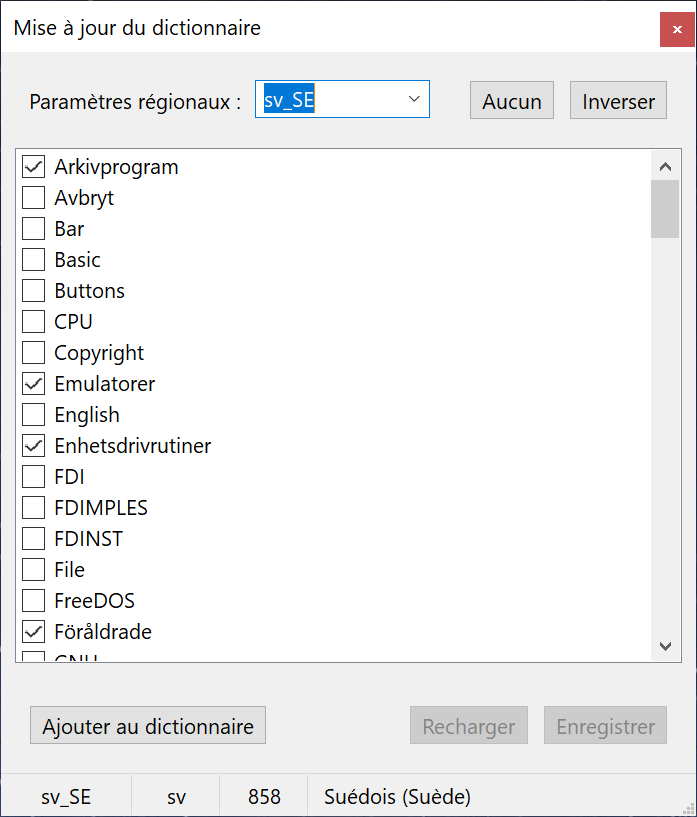
  • Added User dictionary updater.
  • Added Master and User dictionaries.
  • More control layout position enforcement.
  • Improved Locale detection heuristics.

Download: CPWitch_Windows-0.7.0.109.zip (2.6 mb)
Version: 0.6.0.104

Preview v0.6.0.104:

  • Disabled automatic debug logging to disk.
  • Fix for Windows migrating UI elements.
  • Improved Locale detection heuristics.

Download: CPWitch_Windows-0.6.0.104.zip (2.5 mb)
Version: 0.5.0.102

Preview v0.5.0.102:

  • Some Linux and Windows updates for sticky UI buttons.
  • Added display of preferred Codepage in status bar.
  • Added display of Language (Region) on viewer pane.
  • Added display of Locale ID in status bar.
  • Added language detection.
  • Codepage filter dropdown now reflects current filter.
  • Changed 100% compatible icon in codepage list.

Download: CPWitch_Windows-0.5.0.102.zip (2.5 mb)
Version: 0.4.0.94

Preview v0.4.0.94:

  • Improved scroll wheel support in DOS view for Linux and Windows.
  • Included simple text editor.
  • Improved button state change responsiveness.
  • Additional button icons for file type consistency.
  • Switched to B&W for Color button when disabled.
  • Option to automatically open exported files.
  • Background file modification detection when Idle.
  • Reload and analyze files that are overriten by export.
  • Added Yellow icon for missing Blank Line on 7-BIT ASCII files.

Download: CPWitch_Windows-0.4.0.94.zip (2.3 mb)
Version: 0.3.1.88

Preview v0.3.1.88:

  • Some windows compatibility stuff.
  • Some debug logging improvements.
  • Temporarily, always on debug log to file.
  • New DOS text view rendering engine.

Download: CPWitch_Windows-0.3.1.88.zip (2.2 mb)
Version: 0.3.0.84

Preview v0.3.0.84:

This version is to assist in trouble-shooting application start-up issues experienced under Windows. A few minor changes were made to the startup process to potentially prevent the issue. Also, this version has direct file logging enabled and defaults to Excessive logging. This slows the application down a lot. Otherwise, this version has no new features over v0.3.0.81.

Preview v0.3.0.81:

  • Added option to ensure exported file ends with blank line
  • Added dialog to update original file with a blank line
  • Files violating blank line rule shown with Yellow file icon
  • Added option to verify original file ends with blank line
  • Binary files shown with Red file icon
  • Added Binary File detection
  • Added Line Ending type detection
  • Added missing and some extra DOS Font characters
  • Added option to adjust Unicode font scale
  • Added option to adjust DOS font scale
  • Added option to reopen previous session files
  • Fixed opening files ending in UTF-8 character

Download: CPWitch_Windows-0.3.0.84.zip (2.2 mb)
Version: 0.3.0.81

Preview v0.3.0.81:

  • Added option to ensure exported file ends with blank line
  • Added dialog to update original file with a blank line
  • Files violating blank line rule shown with Yellow file icon
  • Added option to verify original file ends with blank line
  • Binary files shown with Red file icon
  • Added Binary File detection
  • Added Line Ending type detection
  • Added missing and some extra DOS Font characters
  • Added option to adjust Unicode font scale
  • Added option to adjust DOS font scale
  • Added option to reopen previous session files
  • Fixed opening files ending in UTF-8 character

Download: CPWitch_Windows-0.3.0.81.zip (2.2 mb)
Version: 0.2.0.75

Preview v0.2.0.75:

  • Improved cross platform support.
  • Added Tab expansion to codepage viewer.
  • Improved Toolbar Autosizing.
  • Added Close All files button.
  • Windows x86-64

Download: CPWitch_Windows-0.2.0.75.zip (2.2 mb)
Version: 0.1.0.71

Preview v0.1.0.71:

  • Initial Preview Pre-Release
  • Only supporting UTF-8 to Codepage
  • Windows x86-64

Download: CPWitch_Windows-0.1.0.71.zip (2.2 mb)